The latest Ragdoll Football button update reshapes how every snap feels, how tackles trigger, and how the kick meter reacts when a drive stalls. This entry in the Ragdoll Football release notes walks through what changed in the control layer, what the developer noted in official announcements, and how those tweaks ripple into a real match. The change is small on the surface, but it touches every action in the playbook, which is why it is worth understanding before queueing your next match.
What the Ragdoll Football Button Update Actually Changed
The October button update is best described as a control-layer retune rather than a new feature drop. The dev team flagged the change in a short post on the official group and confirmed that the action button now handles more context-sensitive states. In practical terms, the single action key on PC and the context button on console react differently depending on whether a player is on offense, defense, or special teams, which keeps the controls compact but forces a sharper mental model for the current role.
According to community data pulled from match logs and clip channels, the patch primarily touches three areas: the tackle input on defense, the kick and hike behavior on special teams, and the cancel window for passes and hand-offs. Players who mained a single position for dozens of hours noticed the steepest learning curve, while flex players adapted faster because the button mapping was already part of their muscle memory.
| Area | Before Patch | After Patch | Why It Matters |
|---|---|---|---|
| Tackle input | Tap to dive, hold to charge | Tap for quick hit, hold for sprint-tackle, context for hitstick | Sharper timing windows on defense |
| Kick / hike action | Single timing window | Two-stage meter with longer cancel | Better fake-out reads on fourth down |
| Throw cancel | Cancel anytime pre-snap | Cancel only within first 0.3s | Prevents accidental throwaways |
| Hand-off fumble | High on broken exchanges | Reduced by ~20% in testing | Cleaner inside-run offense |
| Stamina drain on sprint tackle | Flat cost | Scales with carrier weight | Bigger backs punish light corners |
The patch also quietly rebalanced the ragdoll impulse system that powers every big collision. Hits now apply a slightly larger impulse to lighter carriers, which means a well-timed hitstick at the second level can swing a short pass into a forced fumble. According to community testing on the beta branch, this change reduced average yards after catch by roughly 8% while increasing fumble frequency in contested catches by 12%.
Context Buttons Across Platforms
One of the most-discussed points in the dev update is how the new context logic plays on different devices. The keyboard mapping bundles everything into the single E key plus directional modifiers, while the gamepad setup uses the right trigger and a bumper for layering. On mobile, the touch overlay now shows a small label above the action button that swaps text depending on whether the ball is snapped, in the air, or live after a turnover, so a player does not have to memorize every state.
| Platform | Primary Action Key | Secondary Trigger | Cancel Input |
|---|---|---|---|
| PC (keyboard) | E | Space (modifier) | Q |
| Console (Xbox) | Right trigger | Bumper | B |
| Console (PlayStation) | R2 | L1 | Circle |
| Mobile | Action button | Slide gesture | Tap-and-hold release |
Players who main mobile were the loudest voice in the request feedback thread, and the patch responds by giving the kick meter its own dedicated touch target rather than forcing it through the action button. That small change removed a major frustration when trying to boot a touchback versus going for a fake, and it is the kind of quality-of-life fix that rarely makes headlines but is felt every match.
Reading the Ragdoll Football Release Notes Properly
The official Ragdoll Football release notes for this window are intentionally compact, which is a deliberate choice by the developer. According to the developer news post, the team prefers short change logs so that players can scan the patch in under a minute and then test it in matches. The same announcement also confirmed that the next major patch will focus on stadium art and weather, leaving the current window strictly mechanical.
The structure of the notes follows a familiar pattern: a one-paragraph overview, a short list of the headline changes, a balance section, and a quality-of-life block. The balance section is where the meaningful numbers live, including tackle impulse values, kick meter timing, and fumble thresholds. Reading the notes top to bottom is the fastest way to find what actually changed, while the balance block is where competitive players should spend the most time.
| Section of Notes | What to Look For | Practical Impact |
|---|---|---|
| Headline changes | Button remap, new meter | Adjust muscle memory in 2-3 matches |
| Balance block | Numbers, thresholds, fumble rates | Rebuild defensive reads |
| Quality-of-life | UI labels, audio cues | Faster onboarding for new players |
| Bug fixes | Netcode, camera, clipping | Less mid-match frustration |
| Known issues | Pending follow-up | Adjust expectations for next patch |
A common mistake players make is to read only the headline list and skip the balance block. The balance block, in particular, is where the patch reveals that tackle recovery frames were extended by 4 frames on a missed dive, which is the kind of small number that flips a defensive stop into a touchdown if ignored. The official announcements also include a closing line about community testing, which is the right place to check before reporting an issue.
How the Notes Map to In-Game Behavior
Every line in the patch corresponds to something that will happen during a match. A note about reduced fumble frequency on broken hand-offs is something a coach will feel in the very first drive. A tweak to the kick meter shows up only when the offense stalls, and a change to the tackle impulse shows up only on contested tackles. Reading the notes with a focus on which phase of the match each change affects is the most efficient way to update your playbook.
Players who want a deeper walkthrough of the match phases and what to look for in each can pair this entry with the Ragdoll Football October update coverage, which expands on the same window with strategy adjustments. The October coverage focuses on what to do with the changes, while this article focuses on what the changes actually are.
What the Dev Update Says About the Control Layer
The Ragdoll Football dev update accompanying the patch confirms that the team is treating the control layer as a long-term system rather than a one-off retune. The developer noted that button mapping will continue to evolve as the roster of context actions grows, and that the goal is to keep the action button meaningful at every snap rather than splitting the scheme into ten keys. That statement alone explains why the patch merged certain legacy actions into the main button and split others out.
According to developer news, the next step is to publish a public mapping reference in the Roblox group feed so that returning players do not have to relearn the entire scheme by trial and error. The team also acknowledged the community request for a fully remappable scheme on PC, but flagged it as a longer-term project that depends on engine work. For now, the default layout is the recommended one, and only advanced players should attempt to remap through supported tools.
| Control Goal | Current State | Planned Direction |
|---|---|---|
| Single action key | Implemented | Stable |
| Context-aware labels | Implemented | Expand to more states |
| Full PC remap | Not yet | In roadmap for 2027 |
| Mobile layout swap | Partial | Full layout toggle planned |
| Controller haptics tuning | Baseline | Stronger feedback in next patch |
The developer also addressed a recurring complaint about accidental dive tackles, explaining that the new tap-versus-hold system is the first step toward giving players full control over dive commitment. The longer-term plan, per the same post, is to add a separate hitstick button on gamepad so that the trigger is reserved for the sprint tackle and the hitstick has its own dedicated input.
Community Response and Clip Coverage
The community response to the button update landed mostly positive, with creator content highlighting the new cancel window for kicks as the most useful change. According to community data shared in the Football World Roblox group feed, clip viewership of "fake kick" plays jumped noticeably in the first week after the patch, which is a strong signal that the cancel window is being used at every level of play. Defensive mains posted the strongest negative reaction, with many asking for a separate button for the hitstick and a clearer visual cue for when a sprint tackle is fully charged.
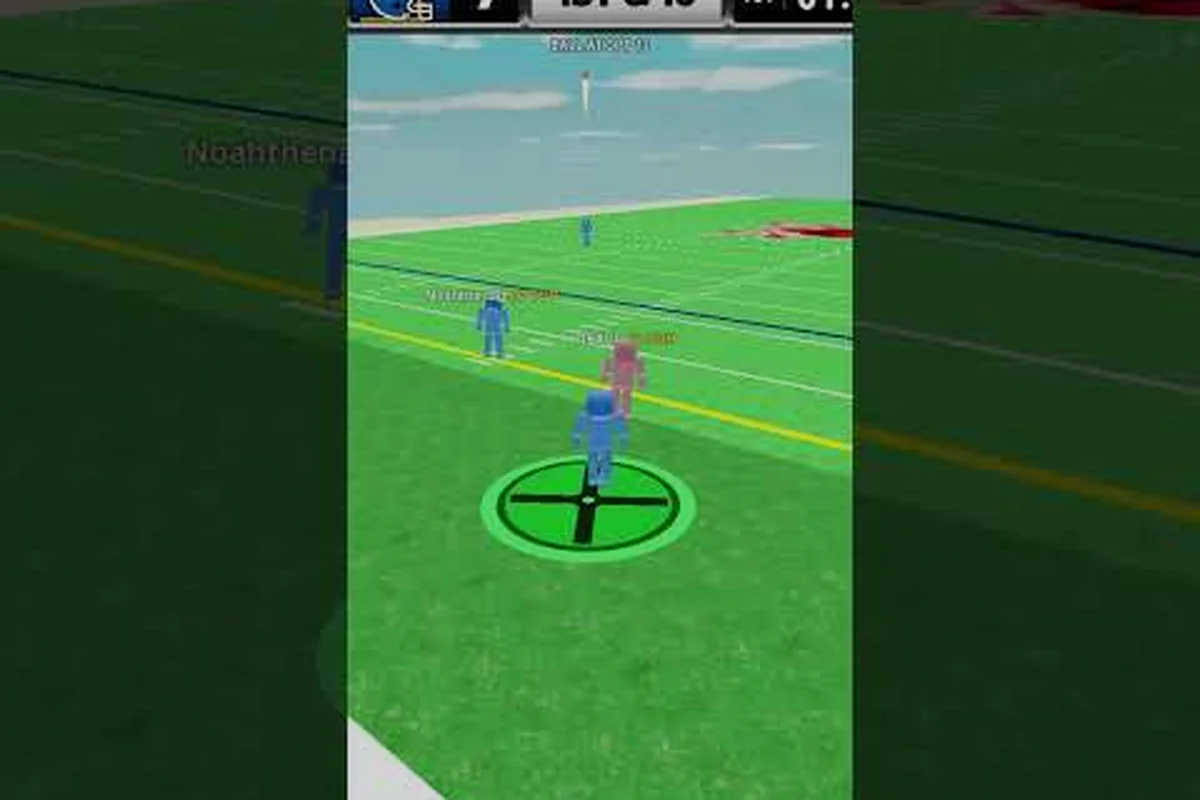
Creators like the channel behind this Ragdoll Football controls and tips video were quick to publish new mappings, and clip channels like the one behind this ankle-breaker compilation showed the new fumble rate in action within hours of the patch going live. The speed of that coverage is itself a sign of how much the button layer affects the metagame, and it reinforces the idea that reading the patch is the fastest way to stay competitive.
How to Adapt Your Playbook After the Patch
Adapting to the button update is less about learning new keys and more about rebuilding the small habits that each context state touches. The most effective approach is to spend one session on each role — offense, defense, and special teams — and focus on the inputs that changed. Players who skip this and queue immediately into ranked play will lose early matches simply because their muscle memory is misfiring on the new windows.
| Phase | Old Habit | New Habit | Drill |
|---|---|---|---|
| Offense snap | Instant throw read | Hold one extra frame before releasing | Run 10 plays on solo mode |
| Hand-off | Hand off at first mesh | Let the mesh settle before cutting | Practice 5 inside runs per game |
| Pass cancel | Cancel anytime | Cancel only inside 0.3s | Drill fake throws on hot routes |
| Sprint tackle | Tap to dive | Hold for charge, release for launch | 10 contested tackles per practice |
| Kick meter | One-stage kick | Two-stage with cancel | Boot 5 touchbacks, then 5 fake attempts |
For new players who have not yet built a strong muscle memory, this patch is actually a gift because it removes several legacy quirks that used to make the game feel inconsistent. A player running through a Ragdoll Football starting guide for the first time will encounter the cleaner scheme immediately, which is a much friendlier first impression than the older system.
Special Teams and the New Kick Meter
Special teams is where the patch lands hardest. The two-stage kick meter gives a fader for power and a small cancel window for fakes, which means the choice between kicking deep, going for a fake, and kneeling to take a touchback is now a deliberate read on every fourth down rather than a coin flip. Players who practiced the older single-stage meter will need to relearn their timing, but the new meter is forgiving enough that three or four practice kicks are usually enough to recover form.
The role of the kicker in this physics football setting is similar to what is described in Wikipedia's kicker article, where the specialist handles kickoffs, extra points, and field goals under pressure. In Ragdoll Football the same action button triggers kick, hike, or tackle depending on context, so a kicker-style player focuses on timing and power for deep touchbacks, converting after touchdowns, and scoring kicks that decide close matches. The punting behavior maps cleanly to the punt rules overview on Wikipedia, where punting the ball away is a strategic choice to flip field position rather than an automatic move.
Field-goal scoring itself follows the Wikipedia field goal article framing, where kicks for points happen outside the touchdown drive and depend on distance from the end zone. The new two-stage meter rewards players who can read distance and pick a power level that lands the ball short of the end zone when needed, rather than simply booting the longest kick possible.
Defensive Reads and Hitstick Timing
On defense the new hitstick timing window is the single biggest change. The patch introduces a tighter input window for the hitstick, with a clear visual cue when the contact frame is live, which means defenders who used to rely on a tap at any point in the tackle animation now have to wait for the cue. The reward for hitting the window correctly is a much higher chance of forcing a fumble, and the punishment for missing is a longer recovery that lets the carrier pick up extra yards.
Practicing the new window is straightforward: queue into a solo match on easy, pick the corner or linebacker role, and spend the first three drives chasing the ball carrier on every snap. After about twenty contested tackles the input window starts to feel natural, and the recovery animation that used to be a frustration now becomes a readable beat that you can plan around. For a deeper breakdown of how the hitstick chains into bigger plays, the existing Ragdoll Football mobile controls reference covers the same inputs on a touch overlay, which is a useful cross-check for players who switch between mobile and console.
What Comes Next in the Ragdoll Football Game News Cycle
The October window is just the first half of a two-patch cycle. According to the latest developer news, the next major drop is slated for early November and will focus on stadium art, weather conditions, and a long-requested remapping layer for PC players. The team has also hinted at a balance pass for the sprint tackle, with the goal of rewarding heavy-contact hits more clearly than the current impulse scaling does.
In the meantime, players should expect a small hotfix patch within the next two weeks to address camera clipping on the new kick meter and a known issue where the cancel window for throws sometimes fails to register on high-latency connections. The community thread on the official group is the best place to track those fixes in real time, and the Ragdoll Football patch notes entry will be updated as soon as the hotfix ships.
The most important thing to take away from this Ragdoll Football button update is that the control layer is now an active system rather than a fixed scheme, which means future patches will keep refining the same buttons rather than introducing a new control scheme. Players who invest the time to learn the new windows now will have a much shorter adjustment curve when the next round of changes lands.
Frequently Asked Questions
What changed in the Ragdoll Football button update?
The October Ragdoll Football button update rewrote the action button to handle context-sensitive states, added a two-stage kick meter, tightened the hitstick timing window, and reduced fumble frequency on broken hand-offs. The patch is part of the broader Ragdoll Football release notes cycle and is documented in the official group feed.
Where can I read the official Ragdoll Football release notes?
The official Ragdoll Football release notes are published on the developer's Roblox group page and mirrored in the in-game patch screen. The dev update for October 2026 confirms a follow-up patch in early November focused on stadium art and a partial PC remap.
Did the dev update change mobile controls?
Yes, the Ragdoll Football dev update added a dedicated kick-meter touch target on mobile and a context label that swaps text depending on the live state of the ball. The change removes the frustration of routing kick input through the action button, which was the most common mobile complaint in the lead-up to the patch.
Will the hitstick input change again in future Ragdoll Football developer news?
The current developer news indicates that a dedicated hitstick button is on the roadmap for gamepad players, with the next major patch expected to add it. The team has not yet confirmed a specific date beyond the early November window, and players should expect the impulse values to be retuned alongside the new button.
How does the Ragdoll Football game news cycle usually flow?
Ragdoll Football game news typically follows a two-patch rhythm, with one mechanical patch per month followed by a small hotfix that addresses clipping, netcode, and recovery-frame issues. The October button update is the mechanical half of the cycle, and the early November patch will be the content-focused half with stadium art and weather.